Is PaycheckJar financial advice?
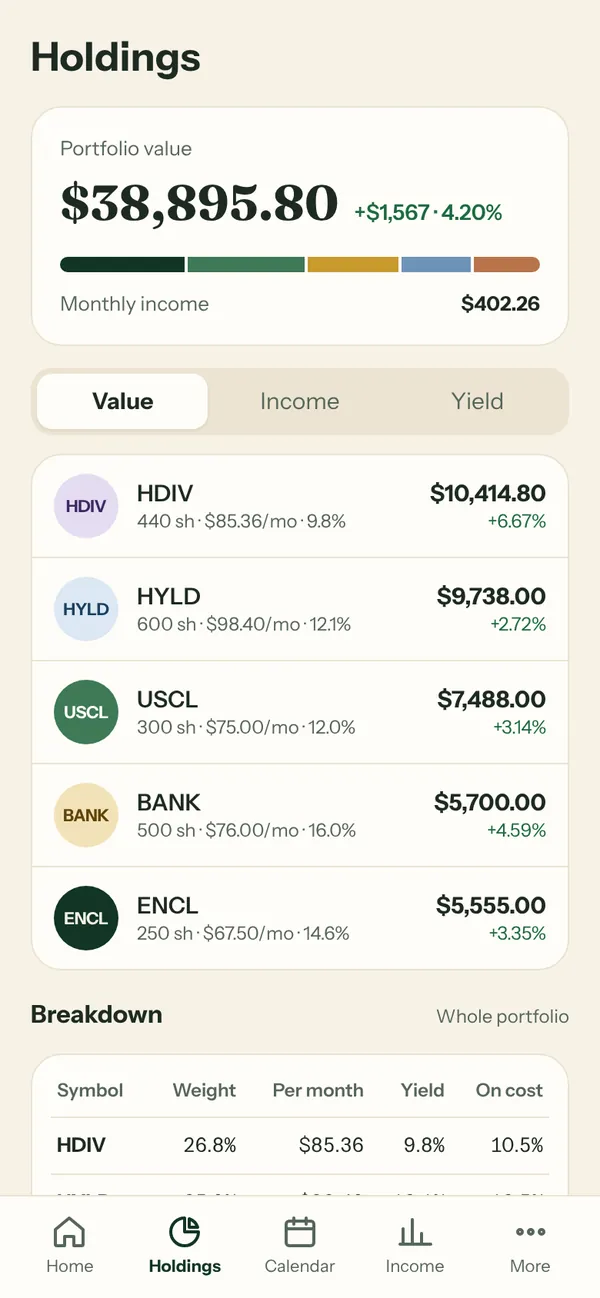
No. PaycheckJar shows information about your own investments: what you hold, what it pays and when. It never tells you what to buy or sell. For advice, talk to a licensed financial adviser.
Which brokers can I connect?
Broker connections run through SnapTrade, a read-only connection partner. Examples include Questrade, Wealthsimple, TD Direct Investing, BMO InvestorLine, Interactive Brokers, Schwab, Fidelity, Vanguard and CommSec. Availability depends on each broker, so the list changes. You can always upload a broker file or add holdings by hand.
Is my data safe?
Your broker connection is read-only, so nothing can be bought, sold or moved, and we never see or store your broker password. Your data is stored in Canada and each account can only see its own rows. You can delete your account and data at any time. Details are in our Privacy policy.
Does it work outside Canada?
Yes. PaycheckJar is built for income investors anywhere. There are no country-specific account types: you name your accounts your way. Support for more currencies is on the way.
Is there a phone app?
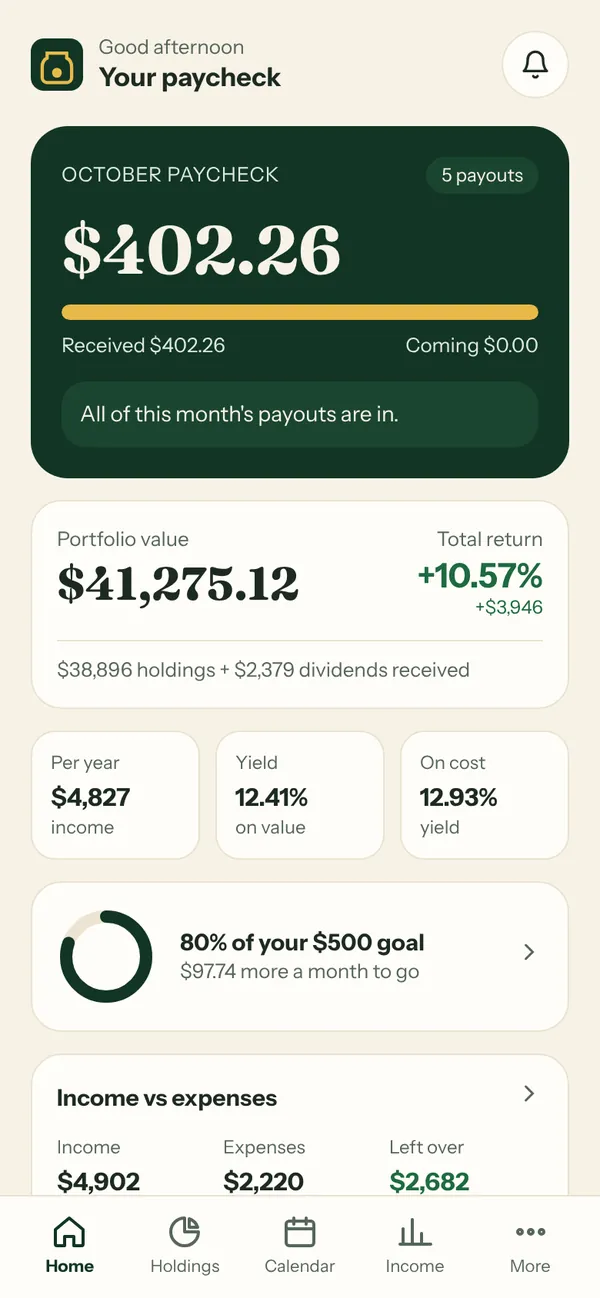
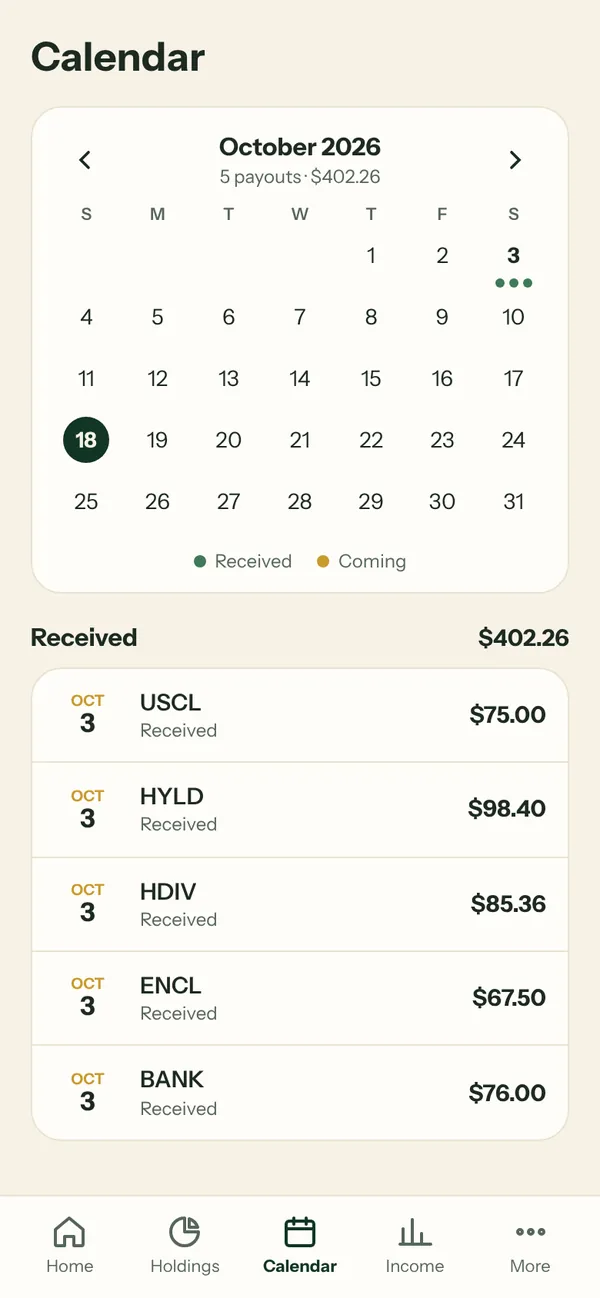
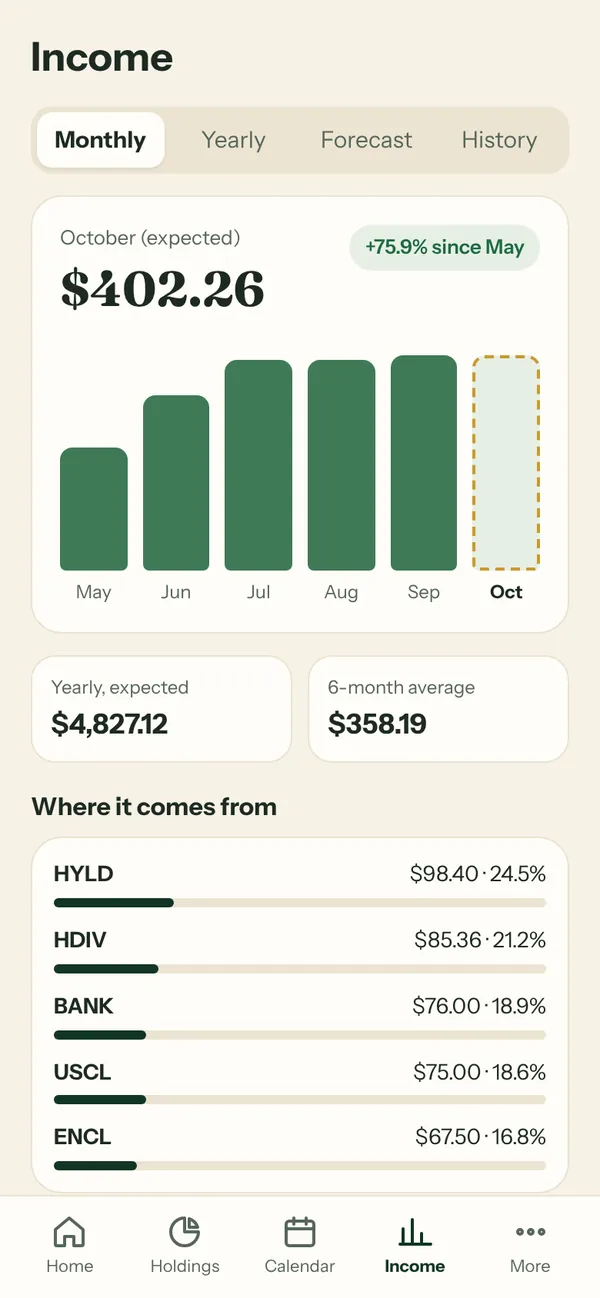
Yes, for iPhone and Android, coming to the App Store and Google Play. It uses the same account as the website, so everything stays in sync.
How does the free trial work?
At launch every new account gets 14 days with full access. After that your data stays readable, and you choose a plan to keep adding and editing. Waitlist members hear about launch pricing first.
Who is behind PaycheckJar?
Two brothers who invest for income and wanted a clear monthly paycheck view instead of a spreadsheet. Questions? Email hello@paycheckjar.com.